Jobs matched to your resume.Letters drafted for you.
How it works
Add your resume and your rules
Upload your resume and Rolepath fills in your profile from it. Then set what you are looking for: job titles, work types, industries, where you are and how far you will travel, and the things that rule a job out.
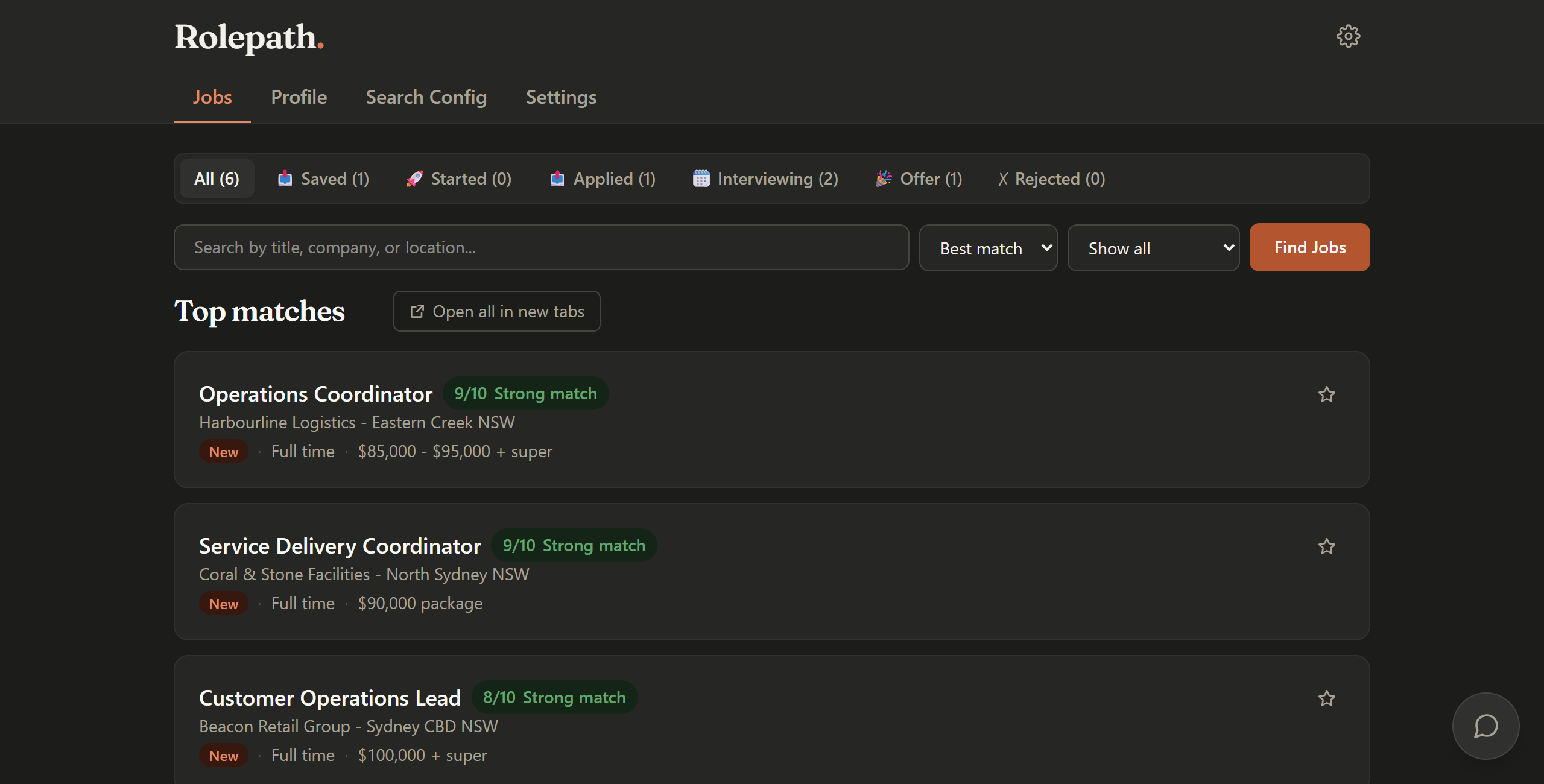
Search, score, then screen
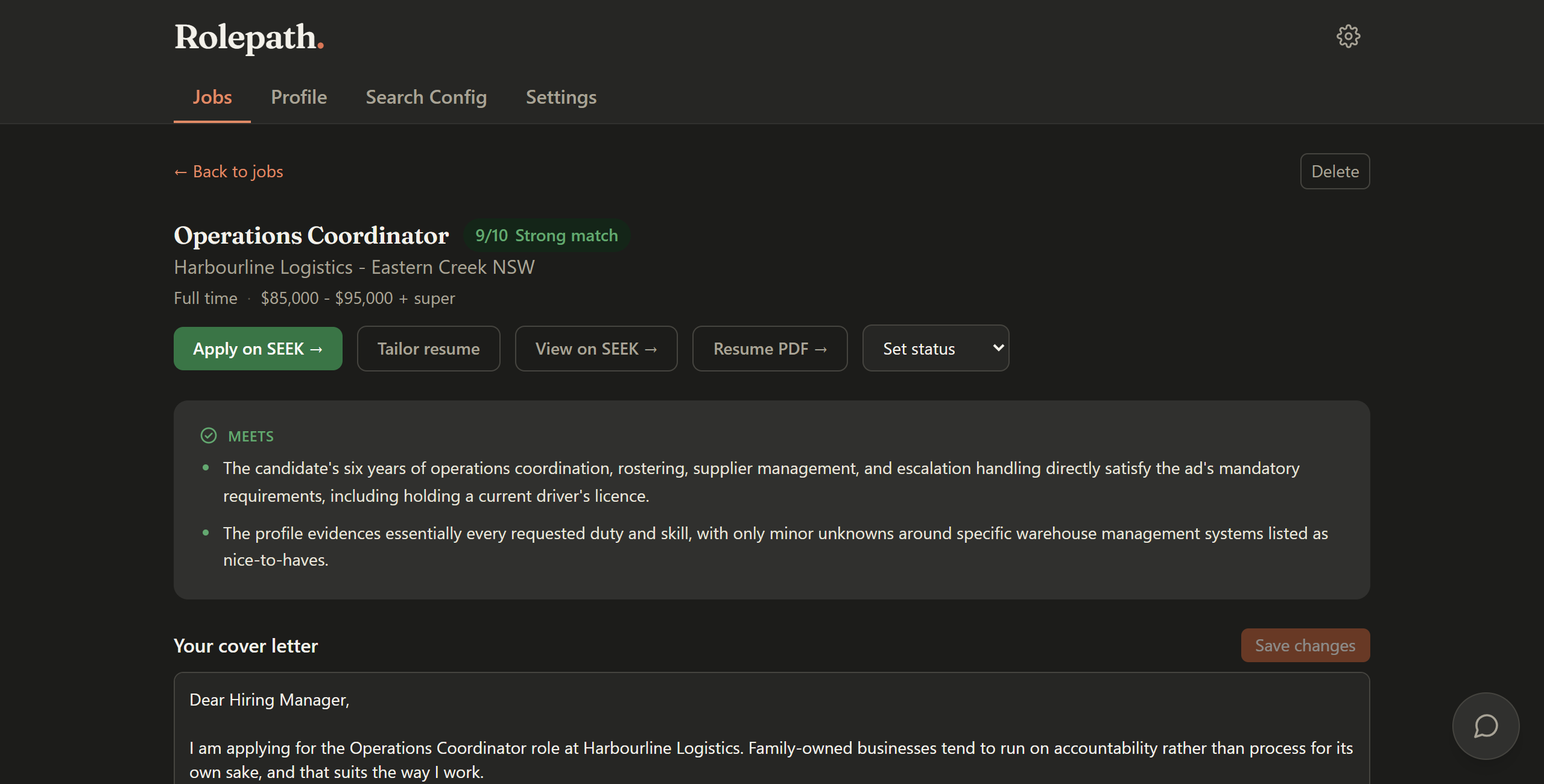
Run a search. Rolepath ranks the results against your rules, then scores your top matches out of ten against your resume. Screen the ones you like.
Apply with the draft already written
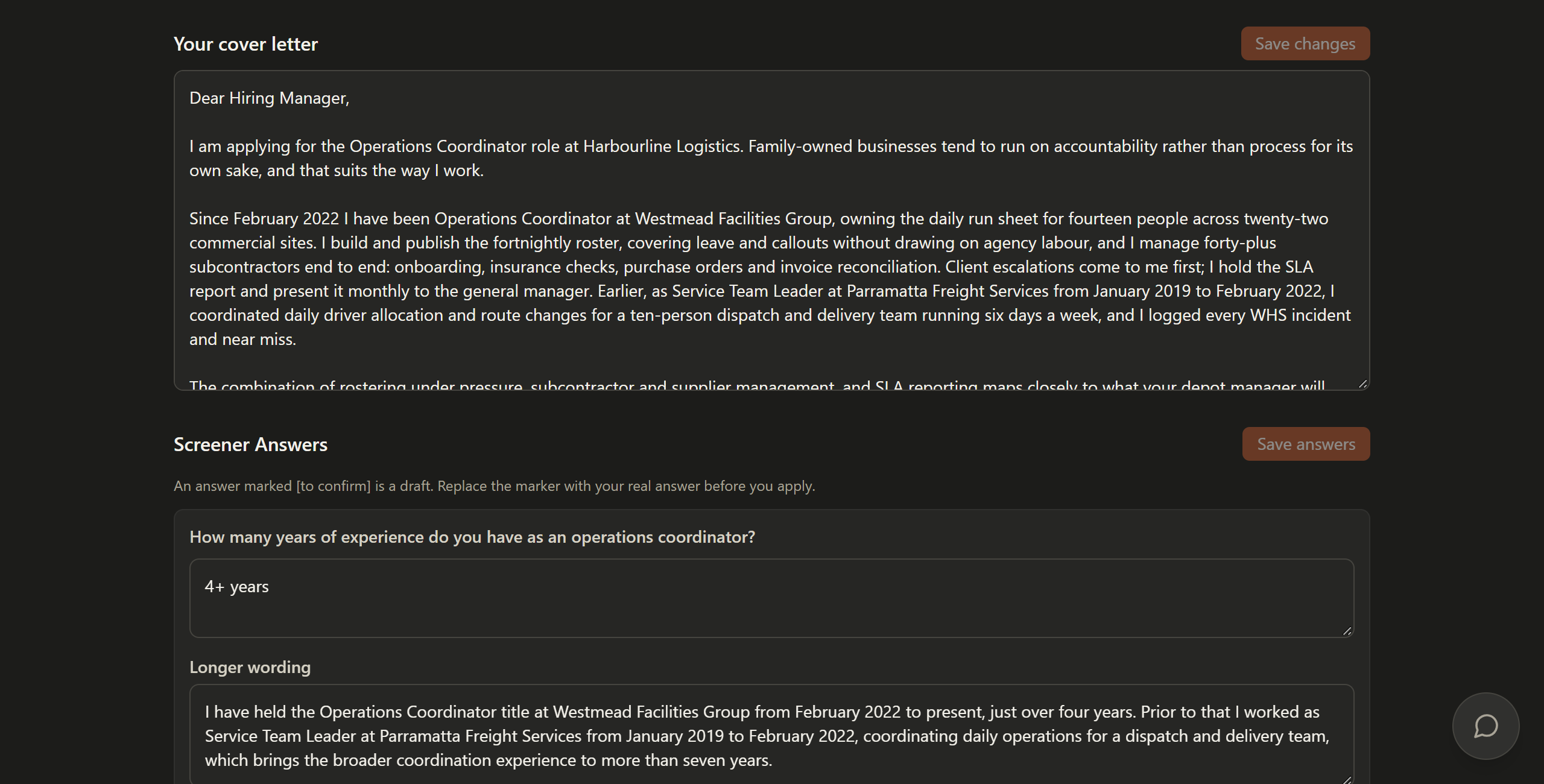
A job that passes comes back with a cover letter written for that ad and answers to the employer's questions. On the application page the extension fills in your cover letter, puts a suggested answer beside what it recognises and lists the rest for you. You read it over, change anything, and press submit yourself.
Pricing
Every account starts on Free. There is one paid plan, at one price, in Australian dollars.
Free
The whole workflow, at no cost, with monthly limits.
A$0per month
Create account- 15 job searches a month
- 100 AI job scores a month
- 3 AI job screenings a month
- 5 AI resume drafts a month
- Resume drafts cover reading your resume in, suggesting search keywords and tailoring a resume to a job
- Limits reset on the 1st of every month
- A cover letter and screener answers drafted for every job that passes a screen
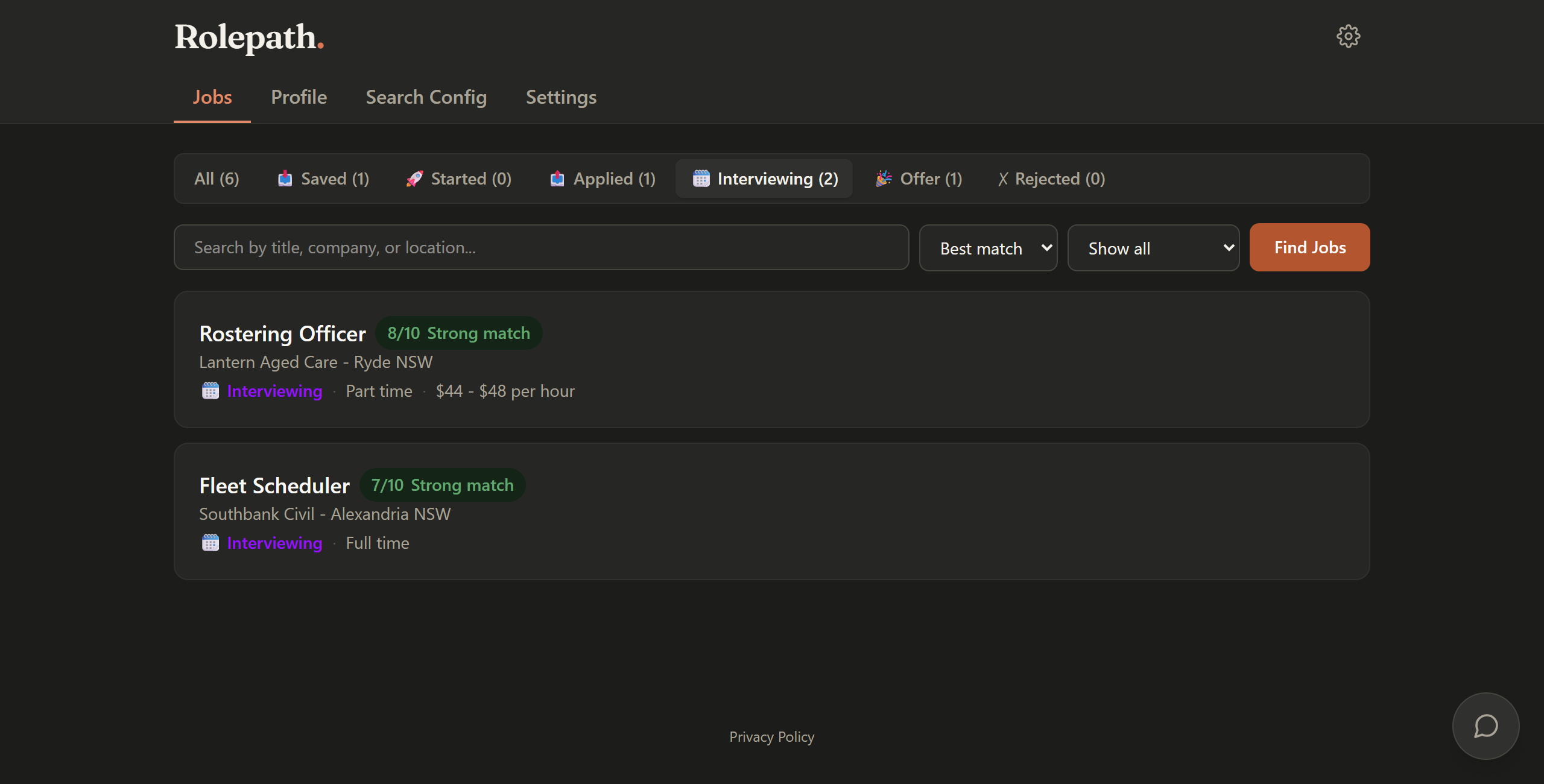
- The Chrome extension and the job list with its status tabs
Recommended
Paid
Coming soonThe same product, with limits sized for a search you run every day.
A$29per month
Create account- 300 job searches a month
- 2,000 AI job scores a month
- 300 AI job screenings a month
- 200 AI resume drafts a month
- Resume drafts cover reading your resume in, suggesting search keywords and tailoring a resume to a job
- Limits reset on the 1st of every month
- A cover letter and screener answers drafted for every job that passes a screen
- The Chrome extension and the job list with its status tabs
- Cancel any time, and paid access runs to the end of the month you have paid for
Paid subscriptions are not switched on yet, so Rolepath takes no payments and collects no card details today.
Questions
- Is Rolepath connected to the job board it works with?
No. Rolepath is an independent Australian product. It is not affiliated with, endorsed by or connected to any job board, recruiter or employer.
- Does Rolepath apply for me?
No, and it cannot. There is no auto-apply in Rolepath and no submit button anywhere inside it. It reads the job, scores it and writes a draft, then stops and waits for you. You read the draft, change anything you want, and press apply yourself.
- Will an employer be able to tell a letter was drafted with AI?
We cannot promise what an employer will or will not notice, so we will not try. What we can tell you is how the letter is made: written from your resume and that one job ad, in Australian English, and never claiming qualifications you do not have. You can change every word of it before it goes anywhere.
- What does the Rolepath extension do in my browser?
It saves and reads the job ads you open or your searches find, so Rolepath can score them for you. On an application page it fills in your cover letter and shows suggested answers to the employer's questions for you to copy in.
- What do I need to use it?
A Rolepath account, Chrome on a desktop or laptop, and the Rolepath extension. There is no phone version. Inside Rolepath you add your resume and set what you are looking for.
- What does it cost, and can I sign up today?
There is one paid plan, A$29 a month, and it is not switched on yet, so Rolepath takes no payments and asks for no card details. Sign-ups are limited before launch, so you may not be able to create an account today.
- What happens to my data?
Your resume, your settings and your saved jobs are stored in your account. To score a job or write a letter, the job ad and the relevant parts of your profile go to our AI providers. The Privacy Policy says what is collected, who else handles it and how long it is kept.
Start with the verdict, not the letter
Rolepath runs in Chrome on a desktop or laptop. It never applies for you. You check every draft and press submit yourself.
Sign-ups are not open just yet. If you already have an account, you can sign in.